UI Gallery
A visual tour of TMA Cloud — every screen you'll see as a user, admin, or API integrator.
Sign in & create an account
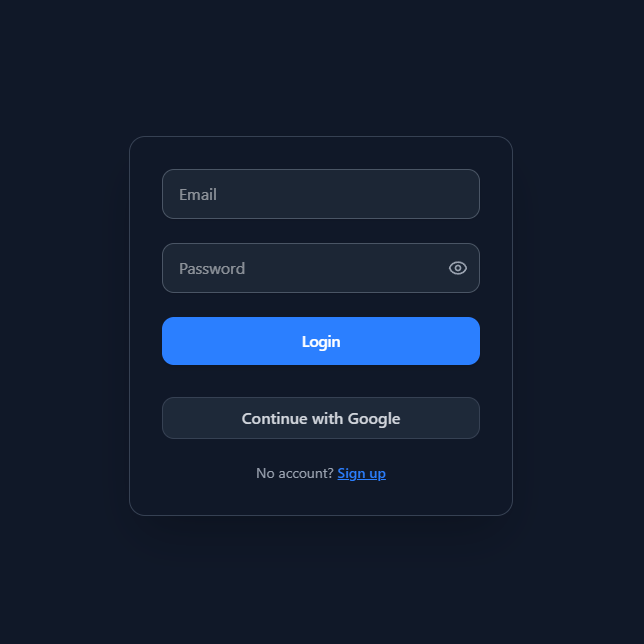
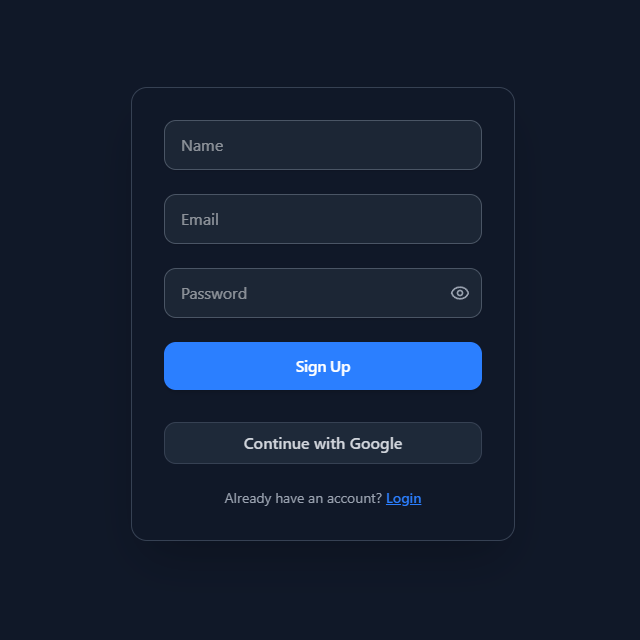
Email + password, with optional Google OAuth and MFA. The first signup on a fresh deployment becomes the admin.
Your home screen
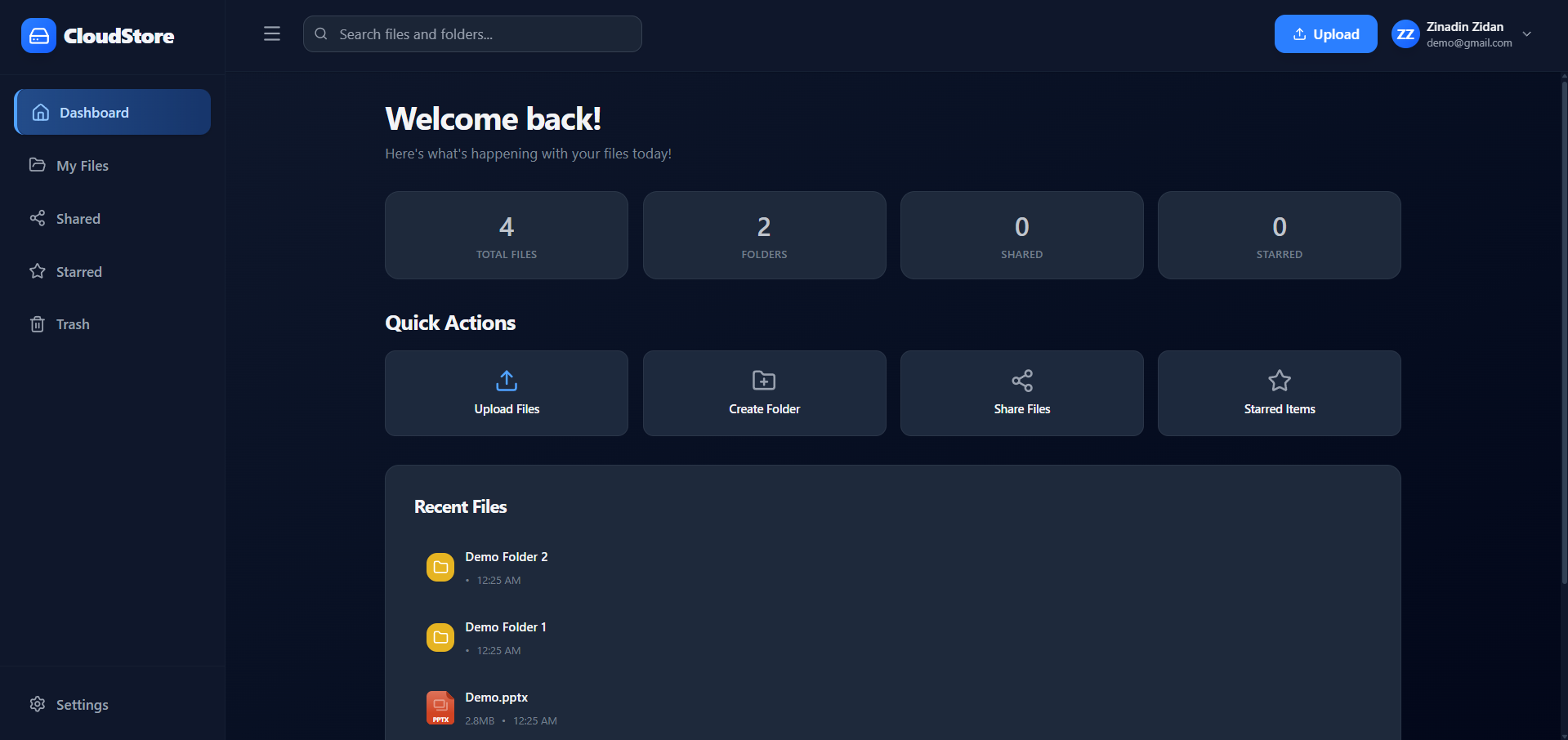
Quick access to recent files, storage usage, and shared items. Fully responsive.
.png)
Browse, organize, and upload
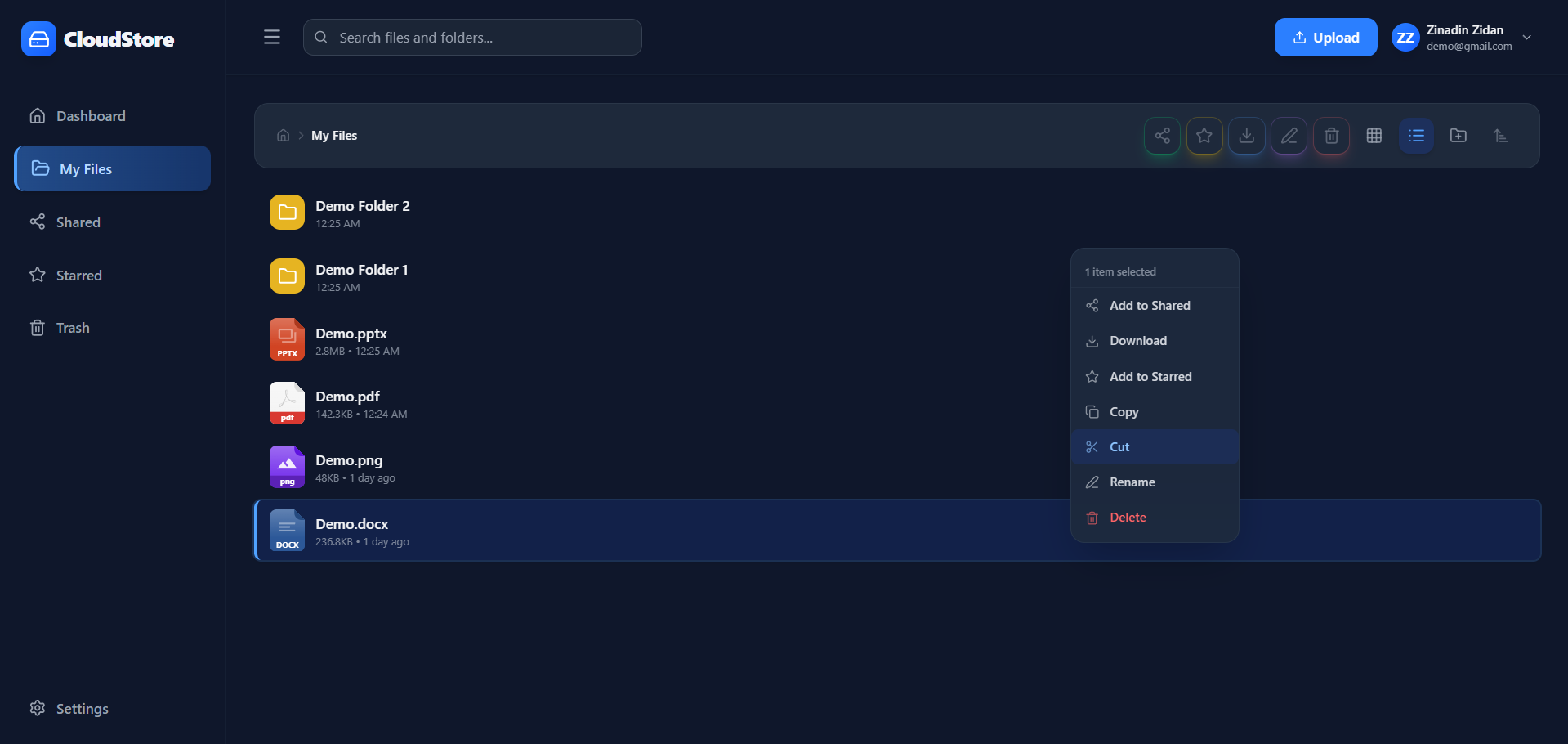
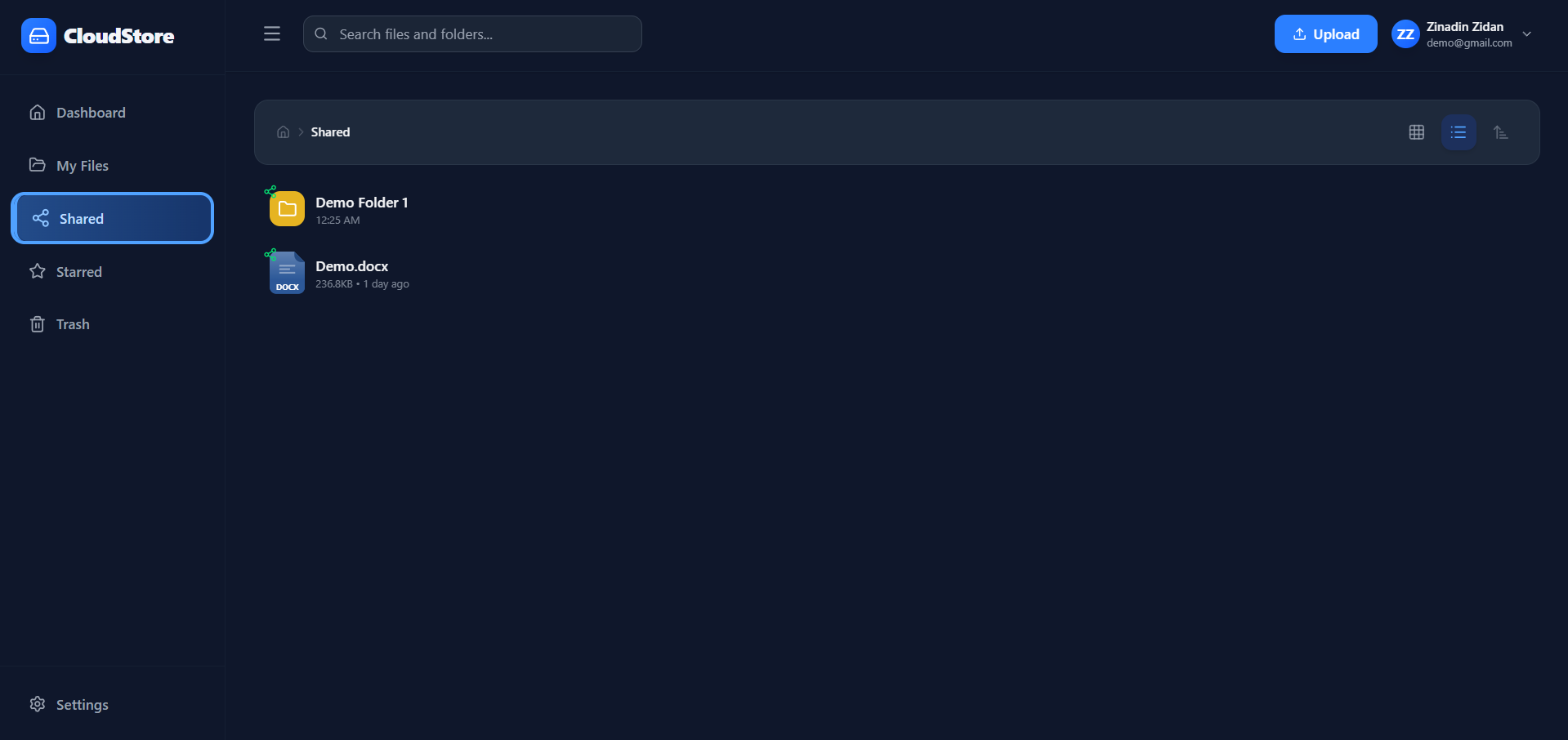
Drag-and-drop uploads, bulk actions, breadcrumb navigation, and a sortable list view — works the same across devices.
.png)
View and edit in the browser
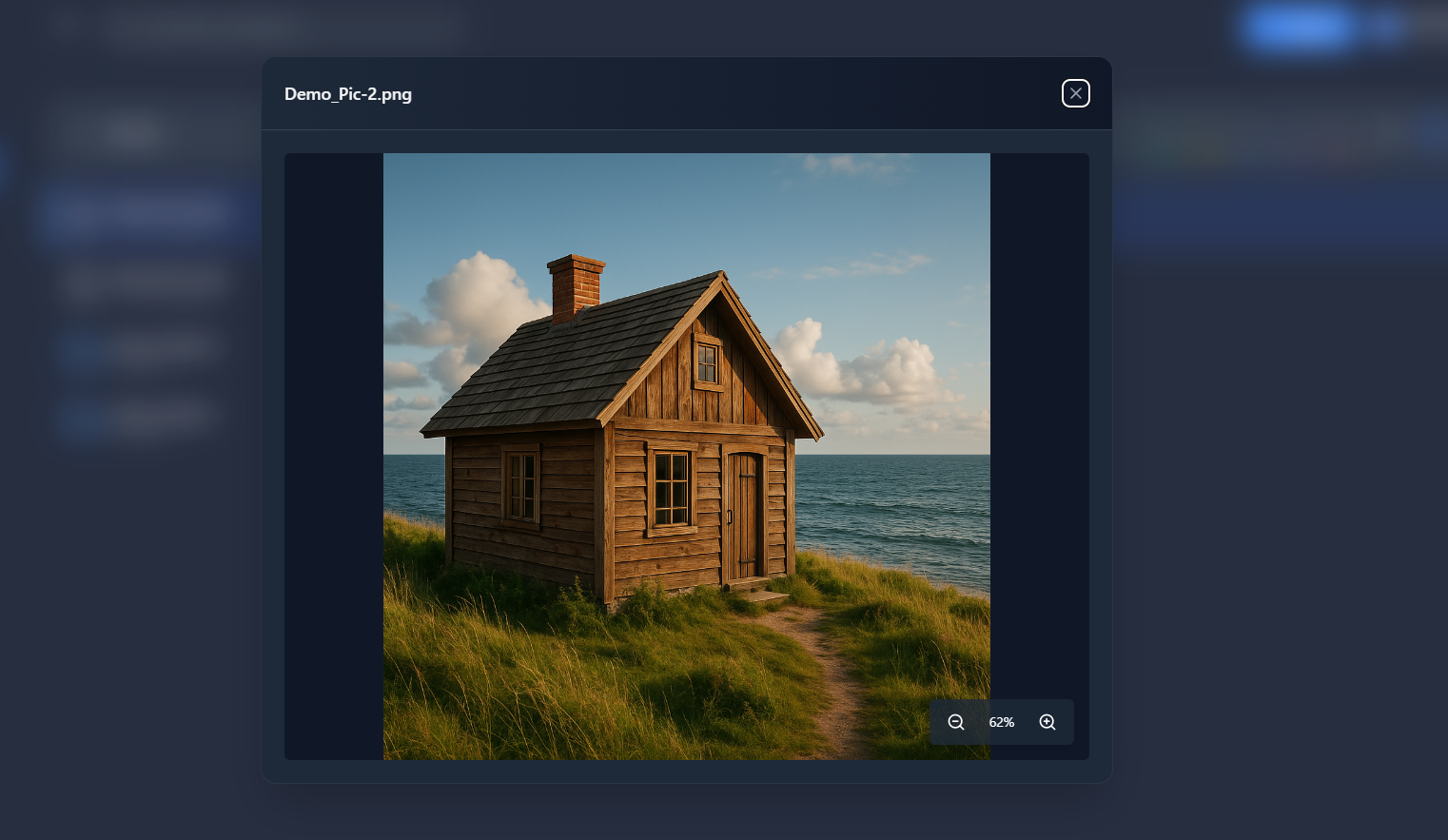
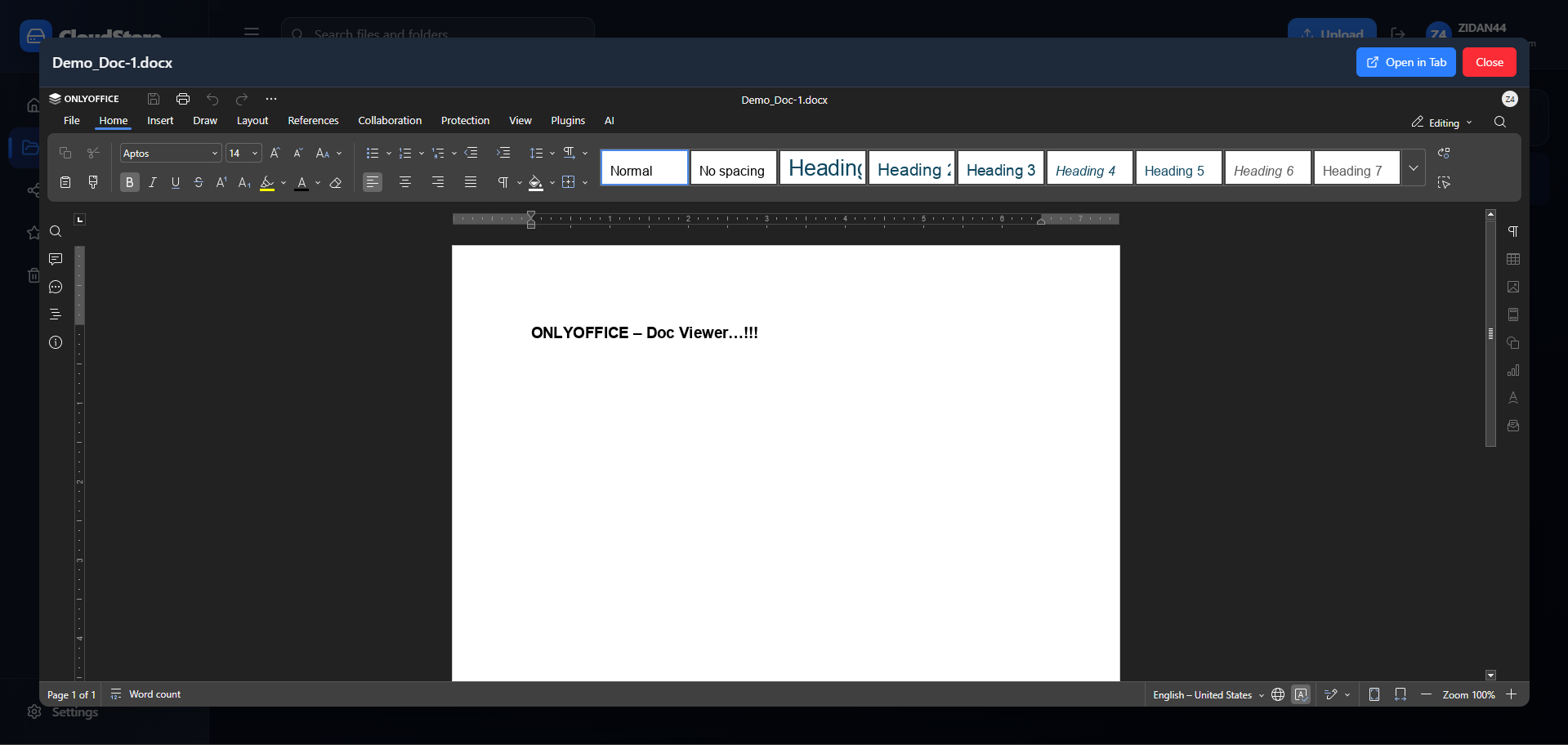
Images preview inline; Office documents open in OnlyOffice when the integration is configured.
Share files and folders
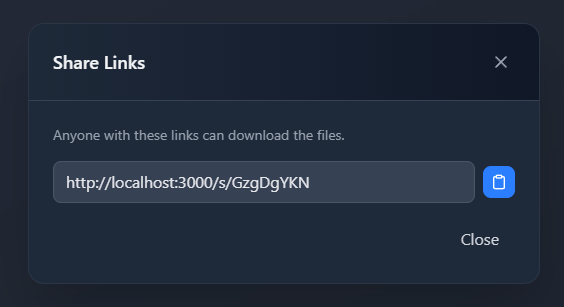
Create public share links with optional expiry, copy them, or revoke access any time.
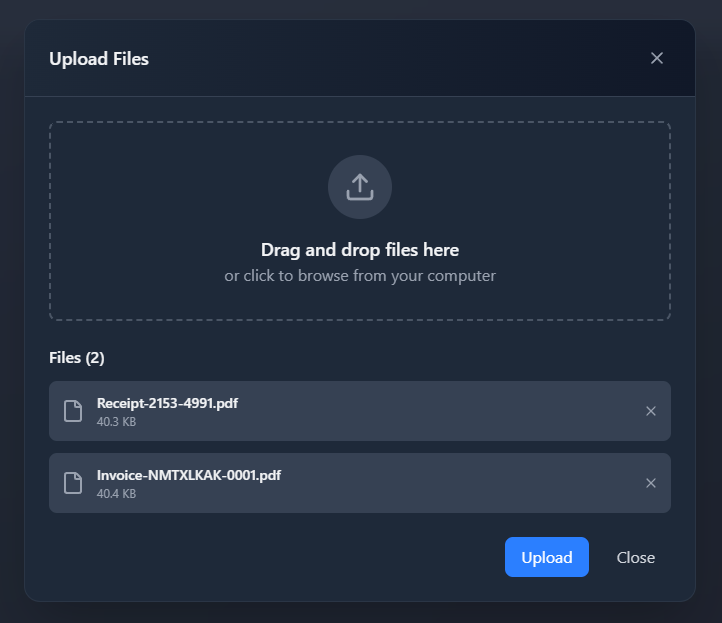
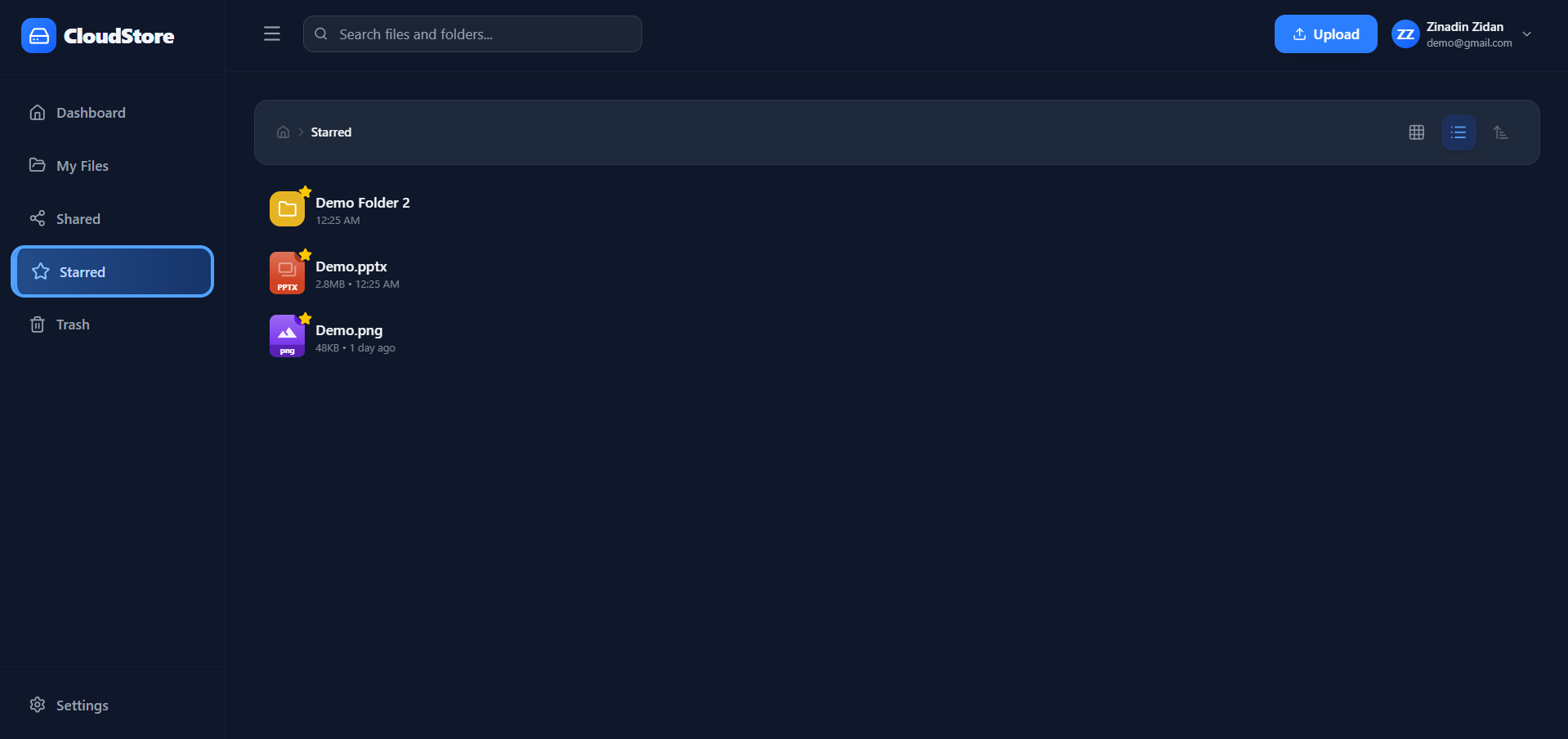
Getting files in — and finding them fast
User & admin controls
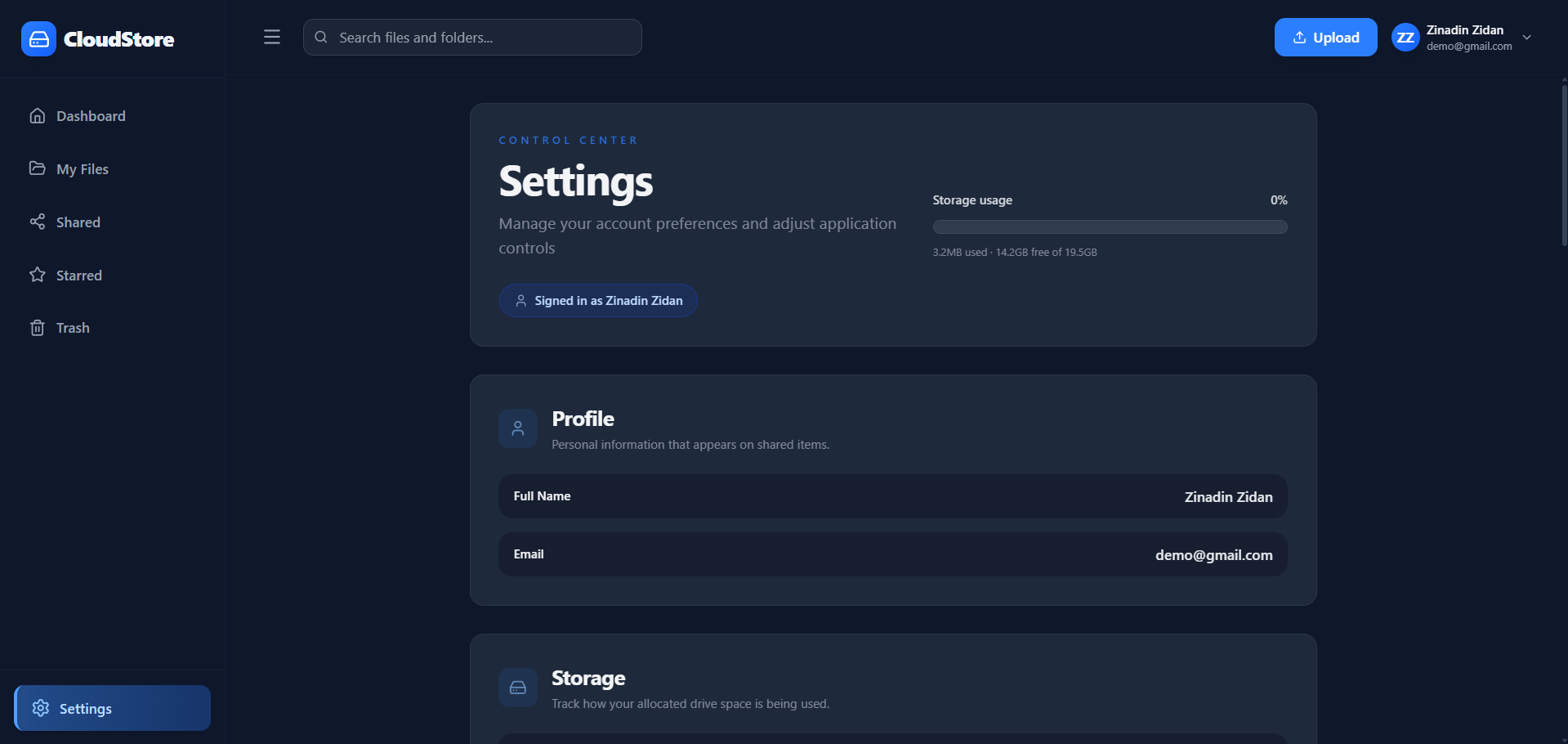
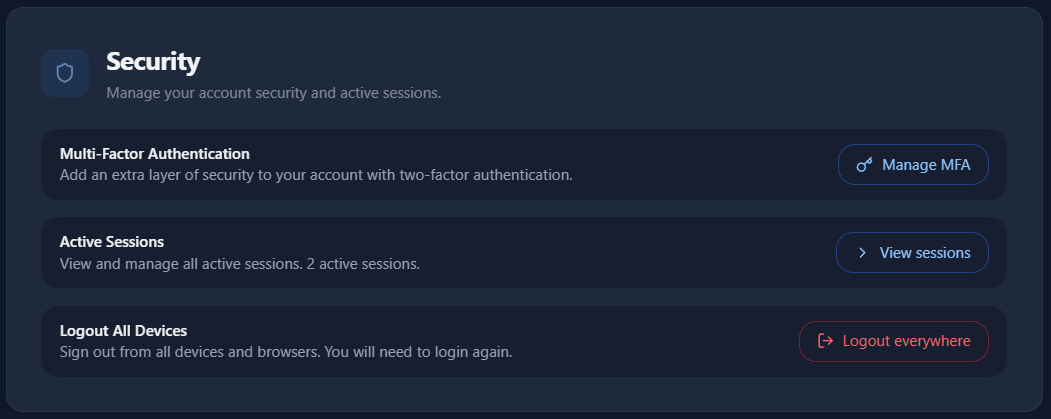
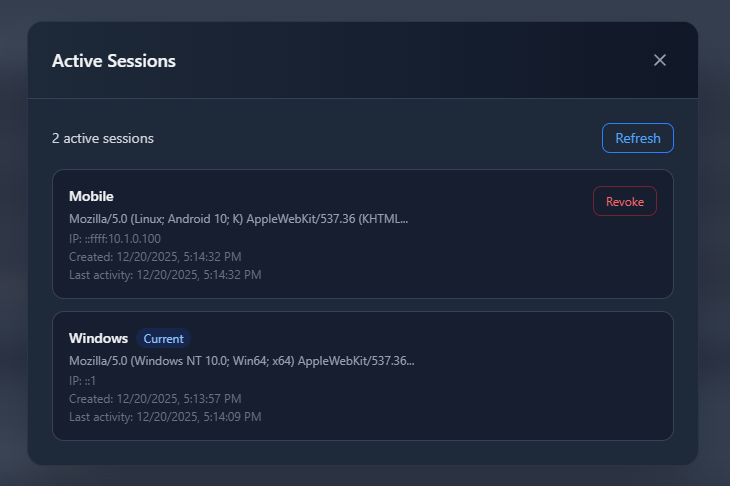
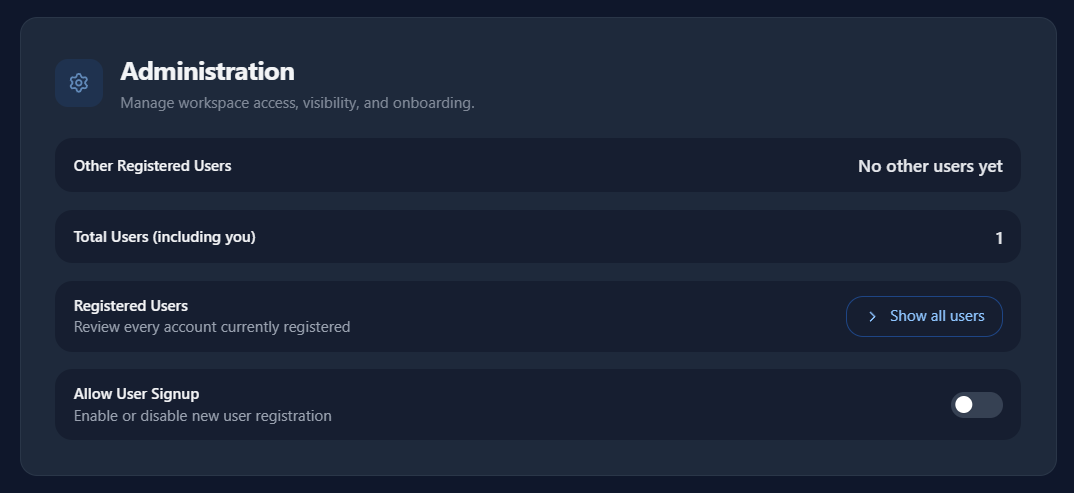
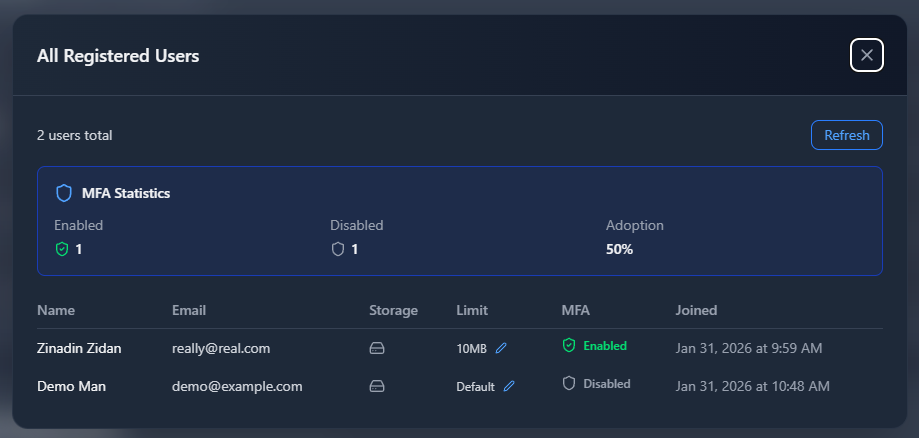
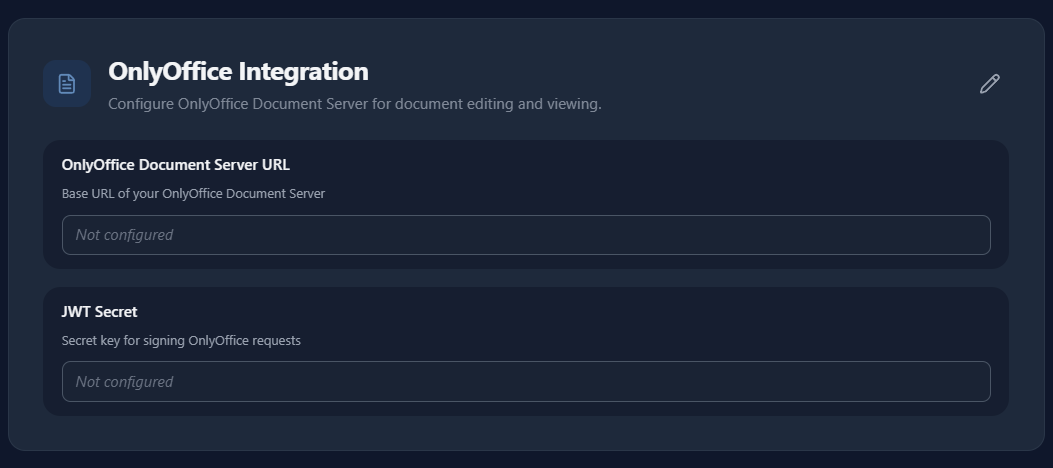
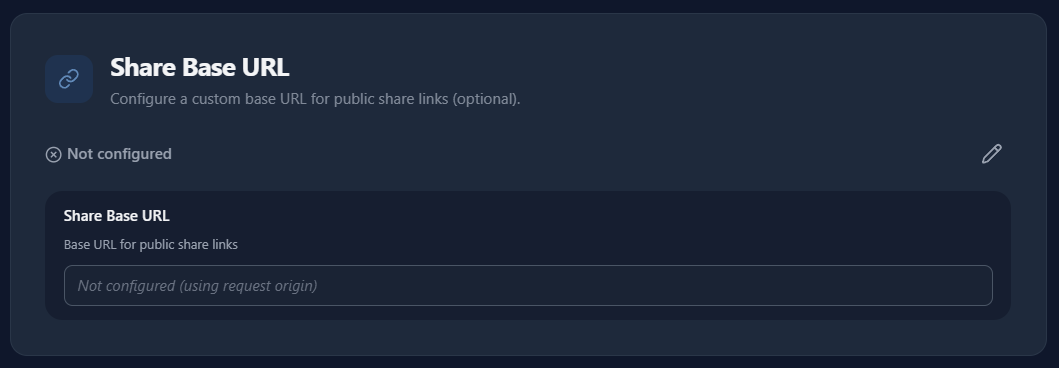
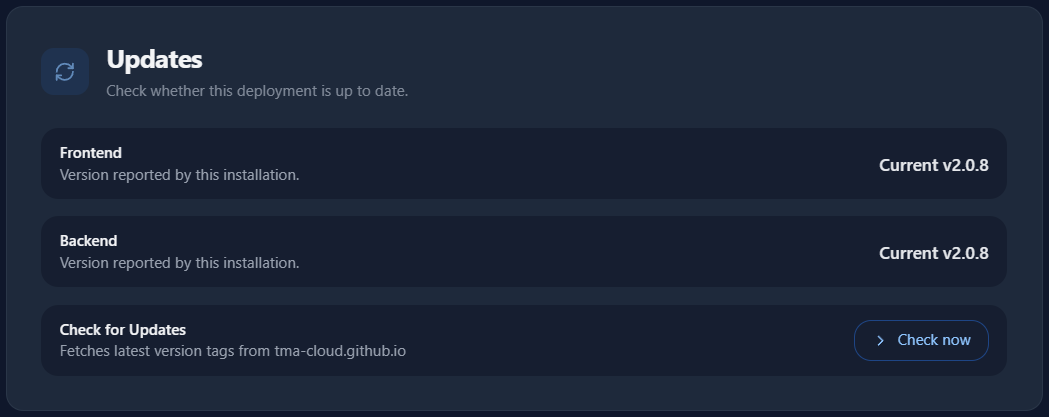
Every user gets Security and Session controls. The admin (first signup) sees additional sections for signup, users, OnlyOffice, custom domain, and updates.
Jump to Introduction or start the Getting Started guide.