
UI Gallery
A visual tour of TMA Cloud — every screen you'll see as a user, admin, or API integrator, plus a demo video.
Sign in & create an account
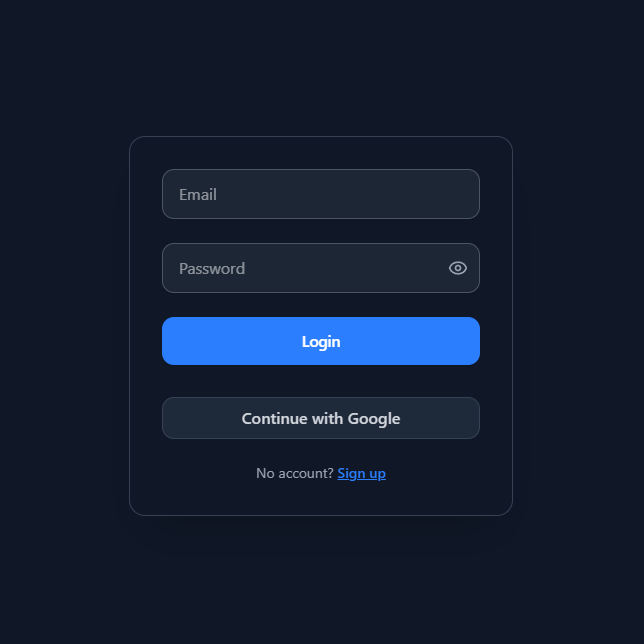
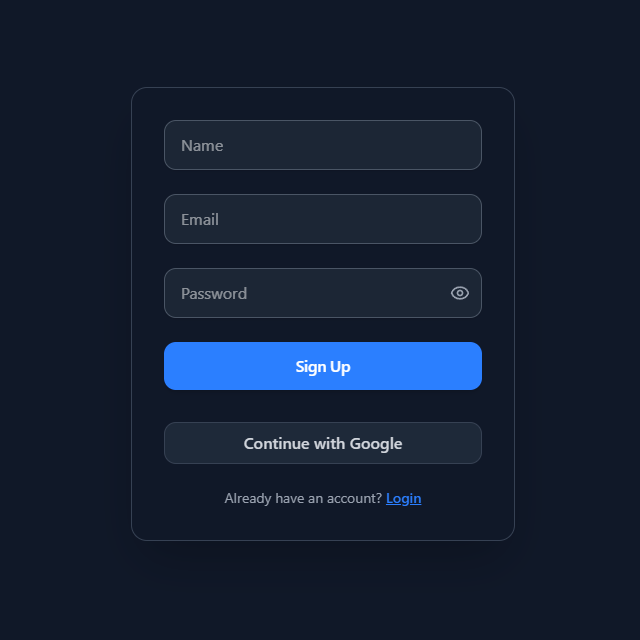
Email + password, with optional MFA. The first signup on a fresh deployment becomes the admin.
Your home screen
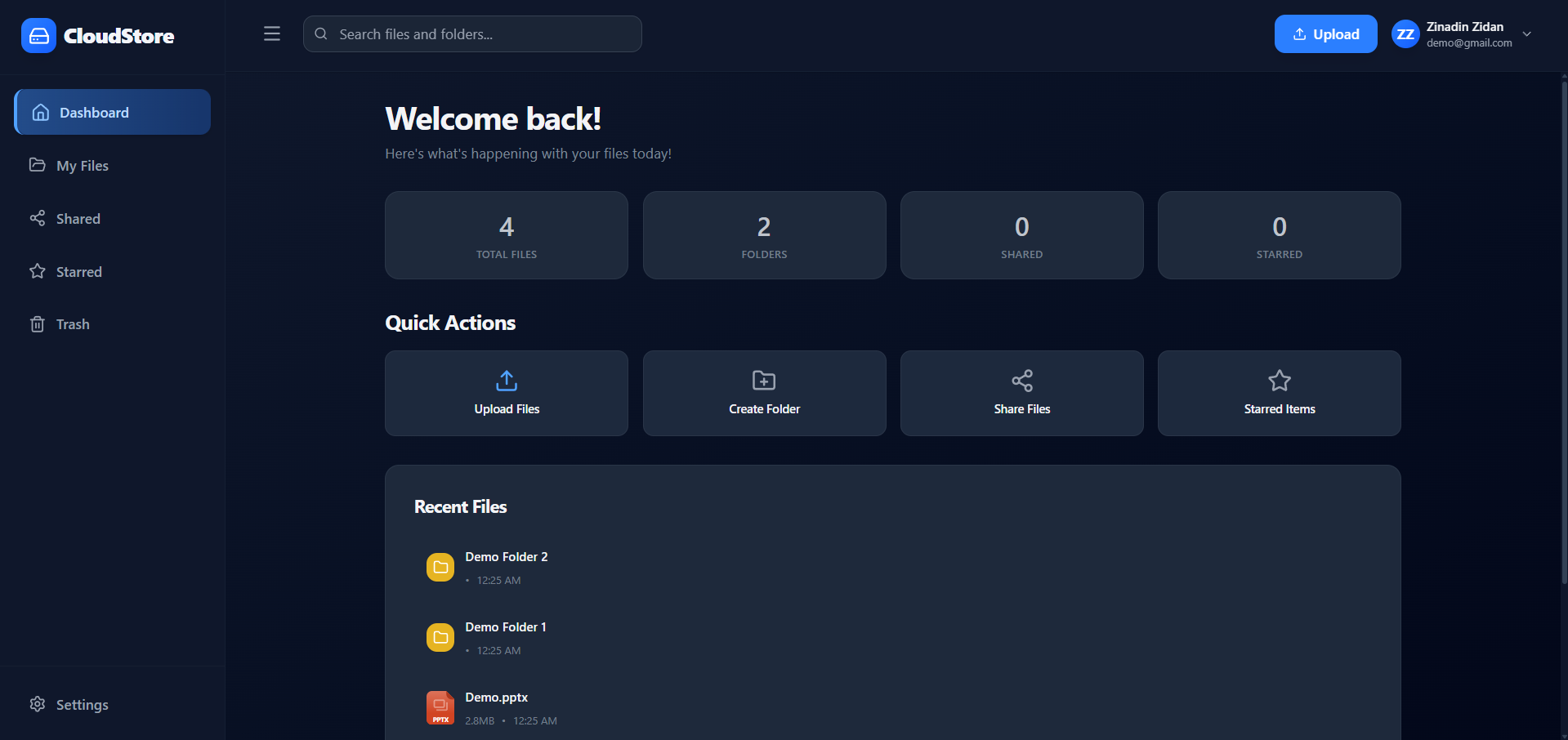
Counts, quick actions, and recently opened files with who opened them.
.png)
Browse, organize, and upload
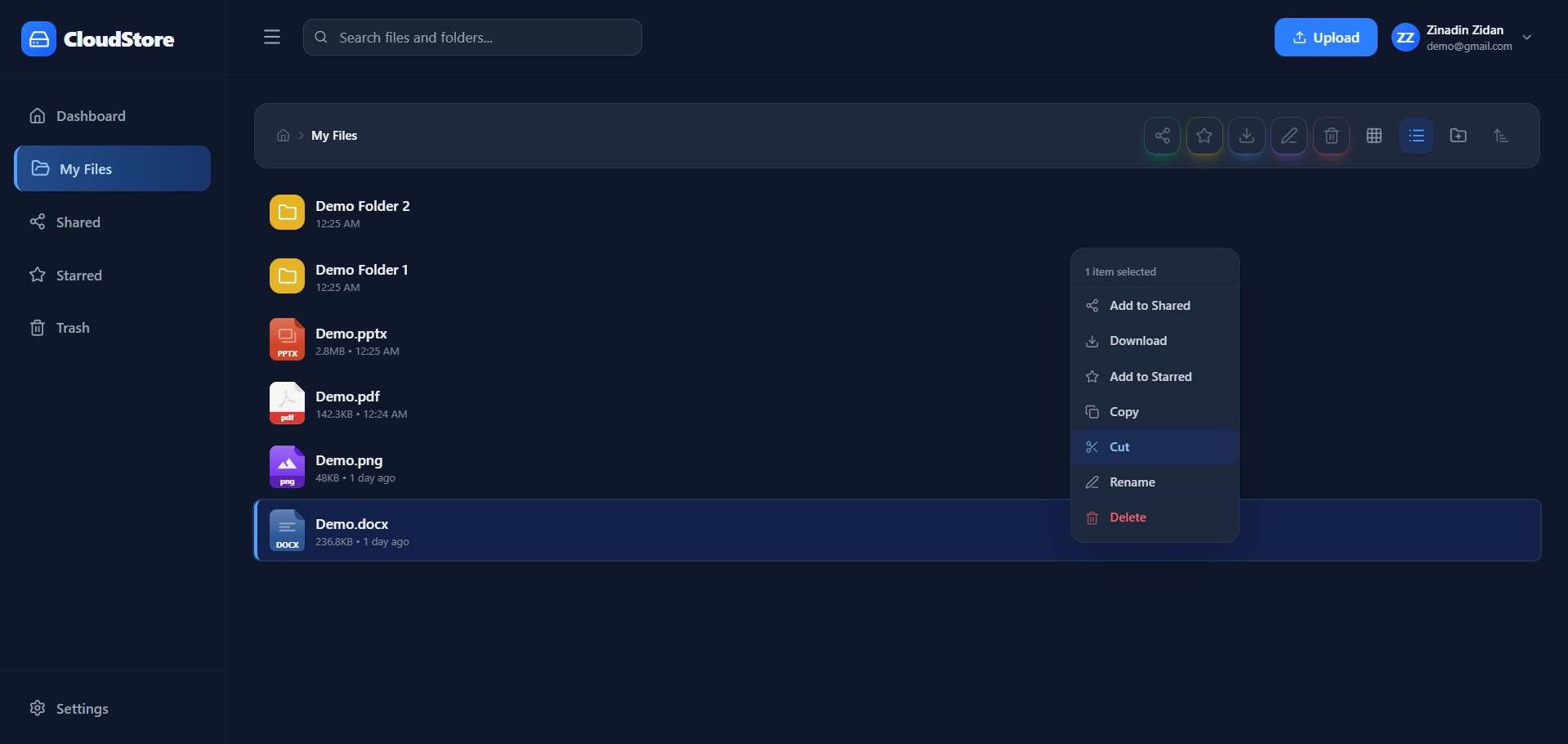
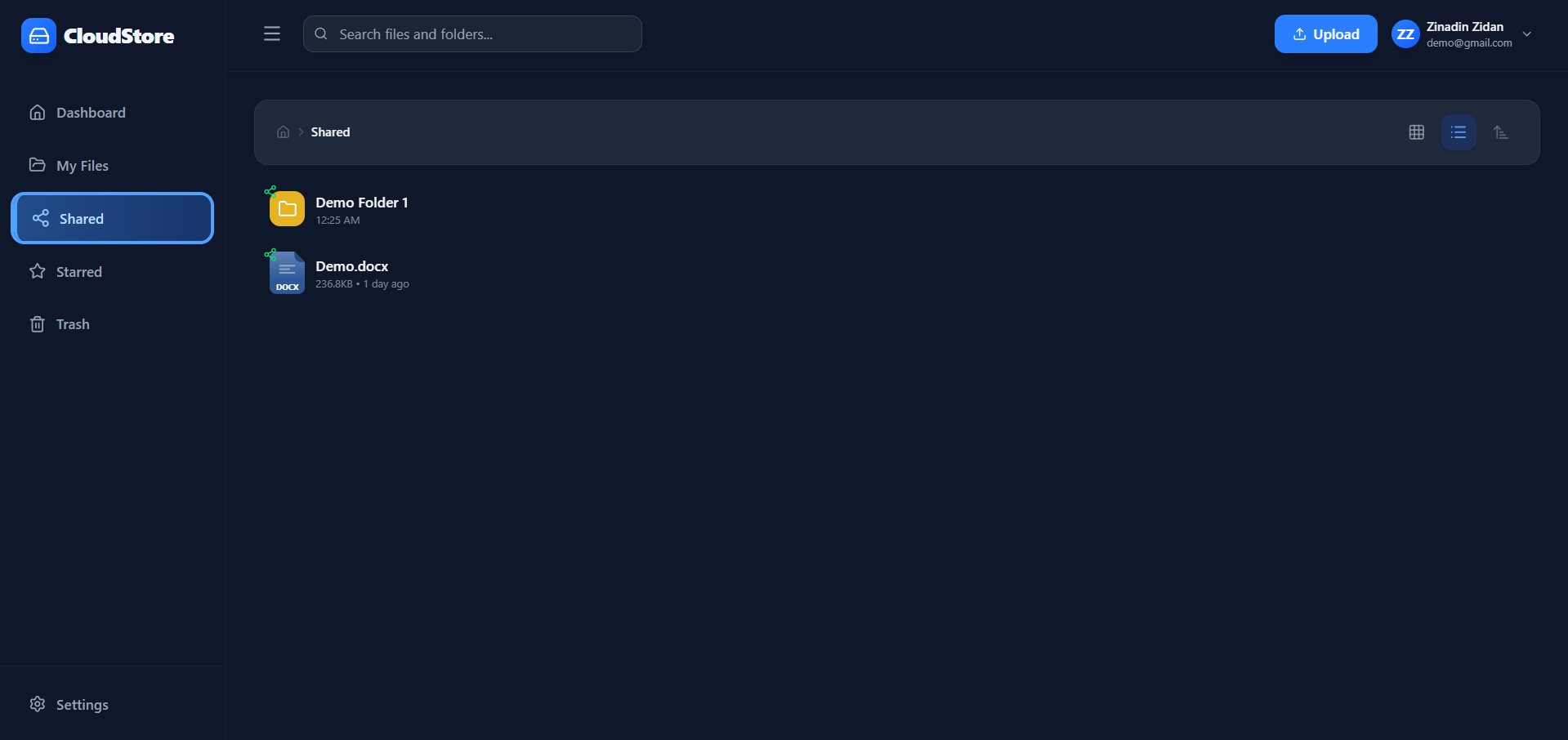
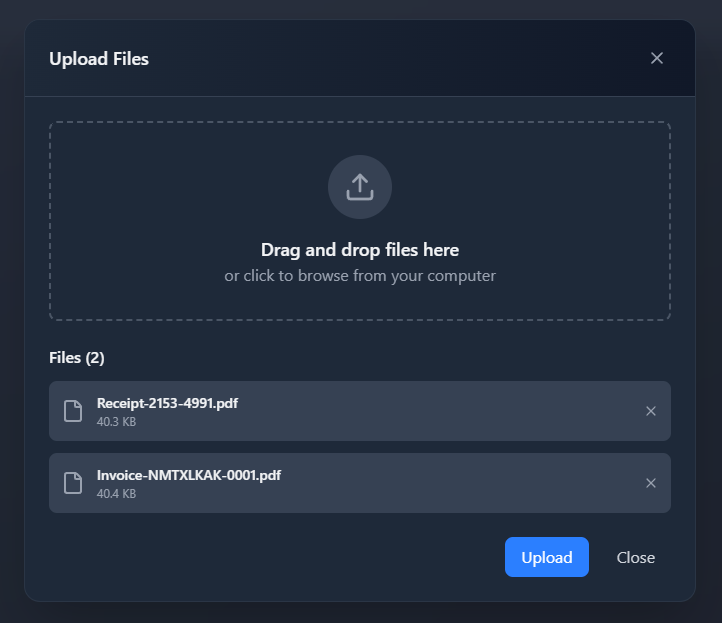
Drag-and-drop uploads, bulk actions, breadcrumb navigation, and a sortable list view — works the same across devices.
.png)
View and edit in the browser
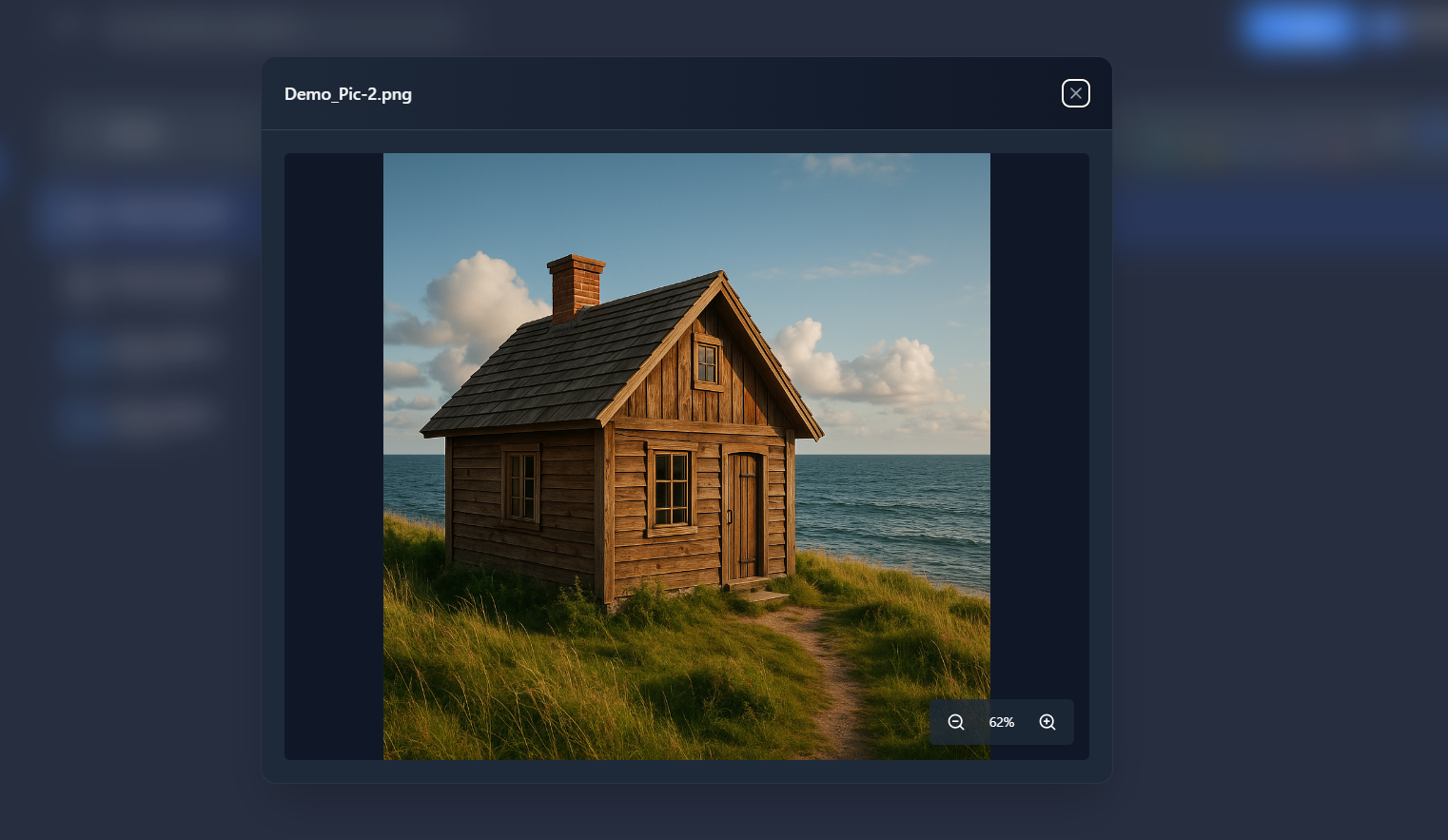
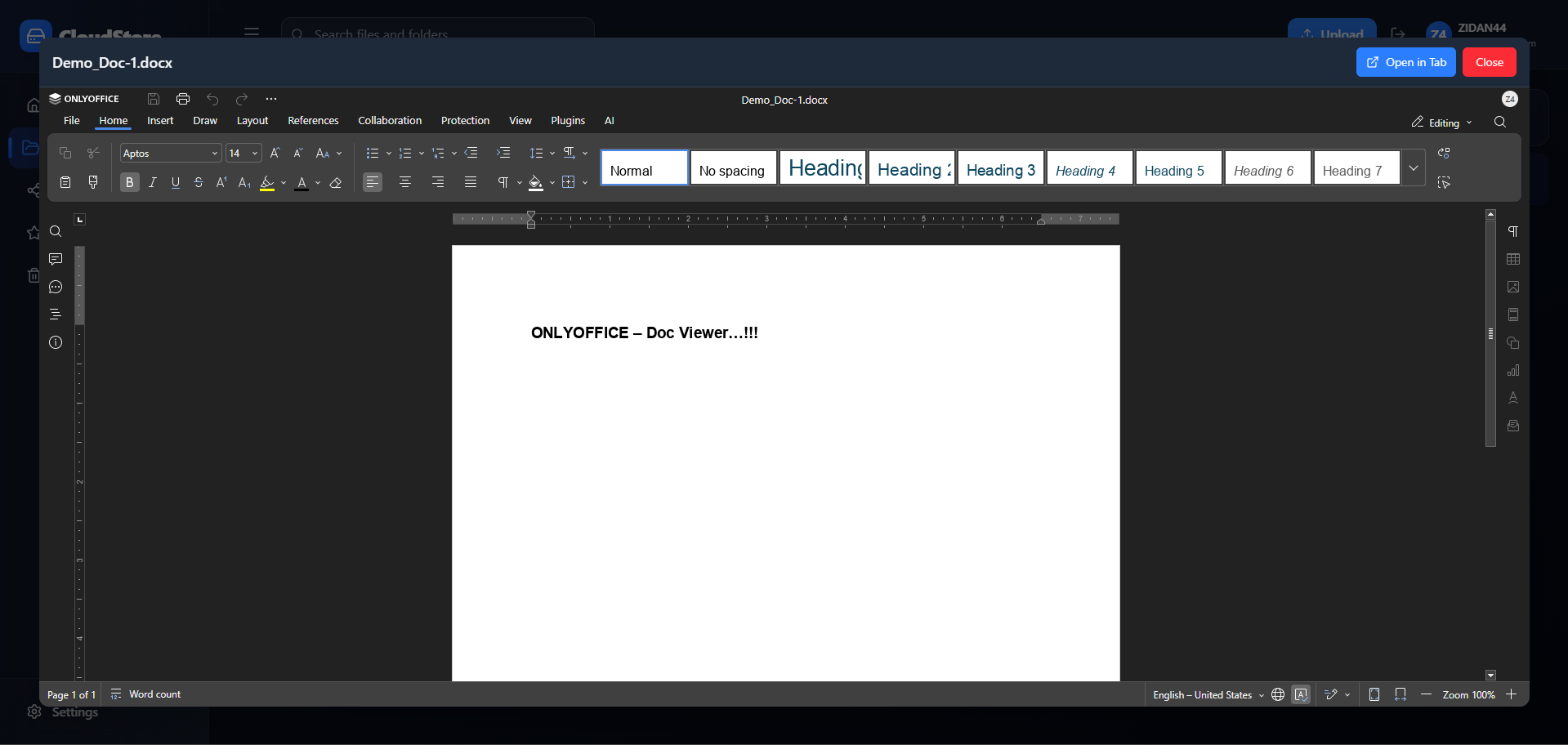
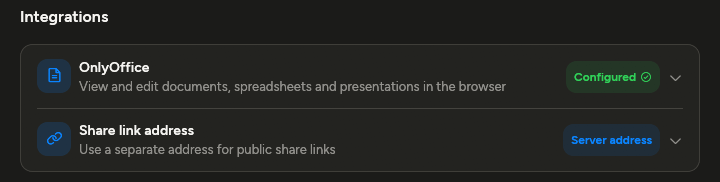
Images preview inline; Office documents open in OnlyOffice when the integration is configured.
Share files and folders
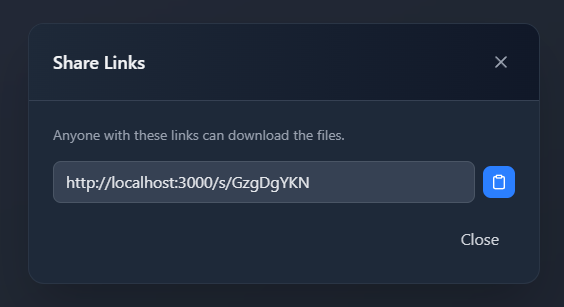
Create public share links with optional expiry, copy them, or revoke access any time.
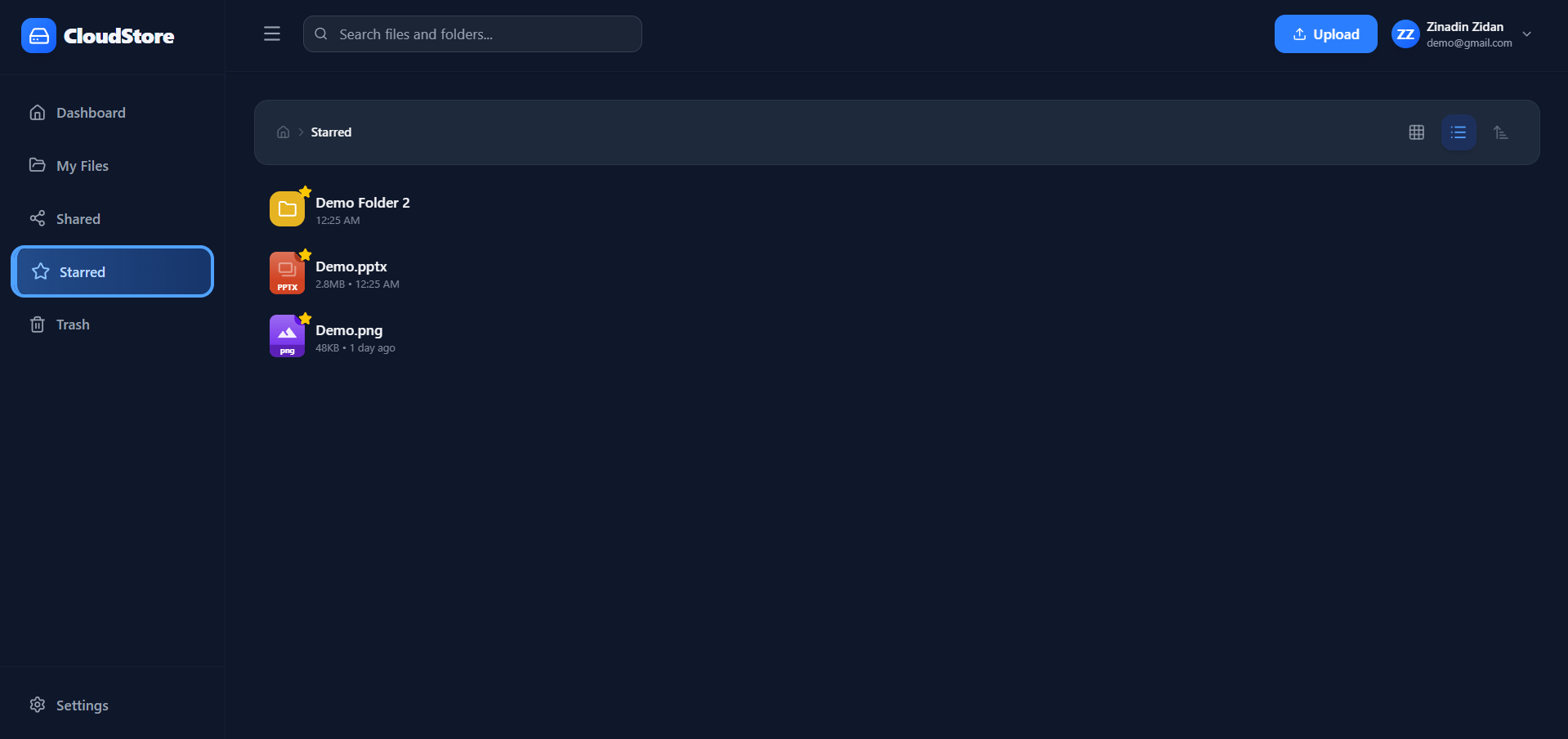
Getting files in — and finding them fast
User & admin controls
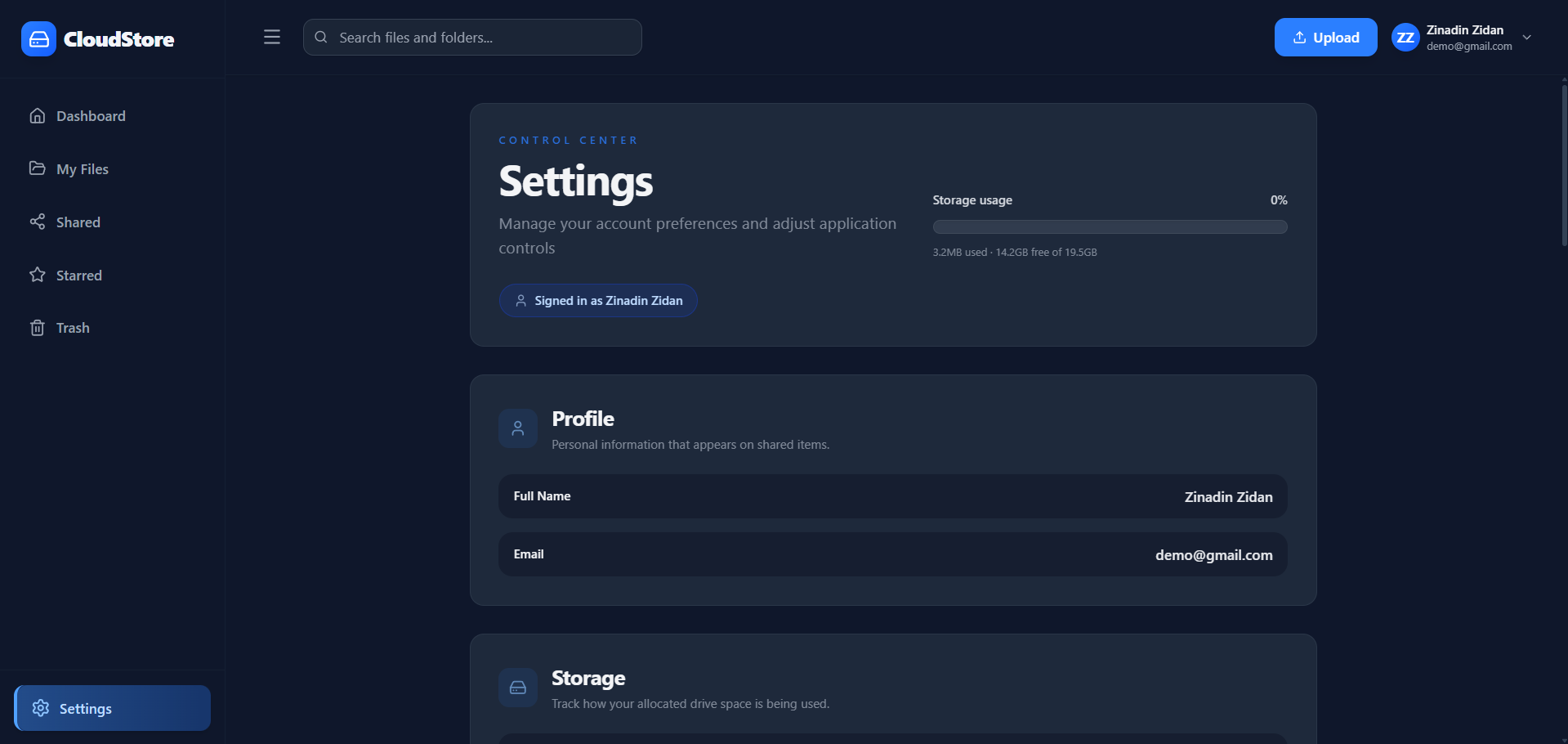
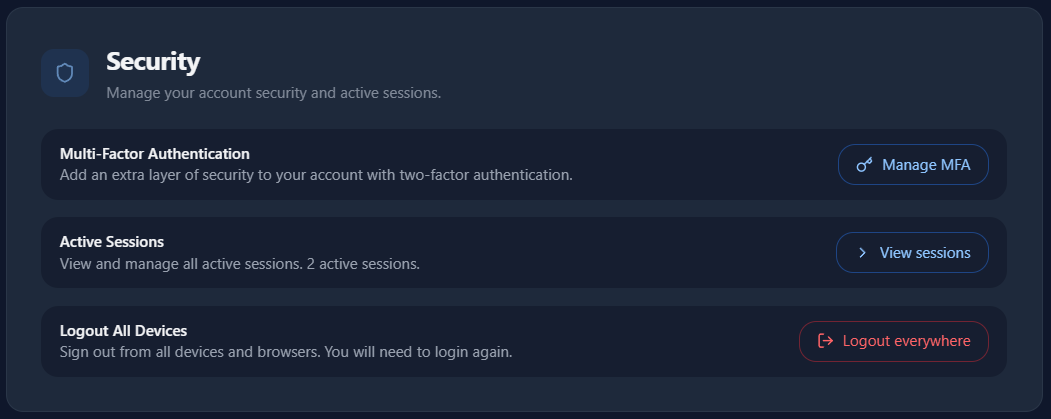
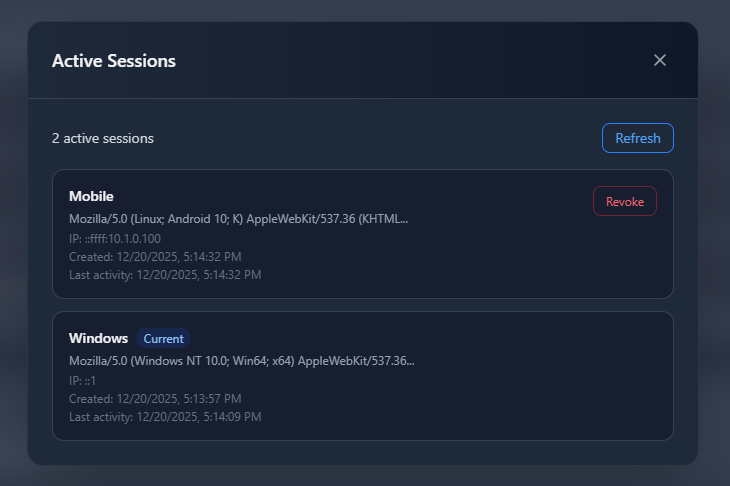
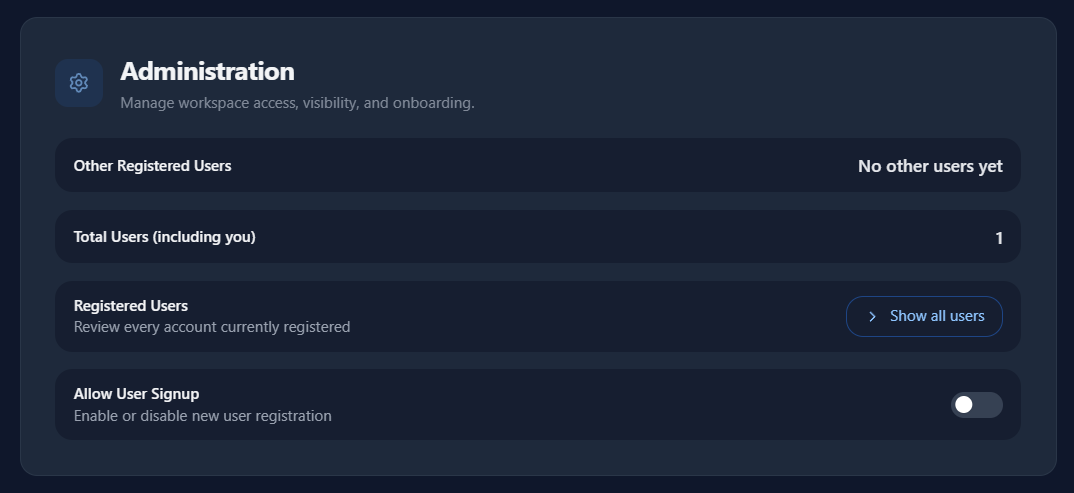
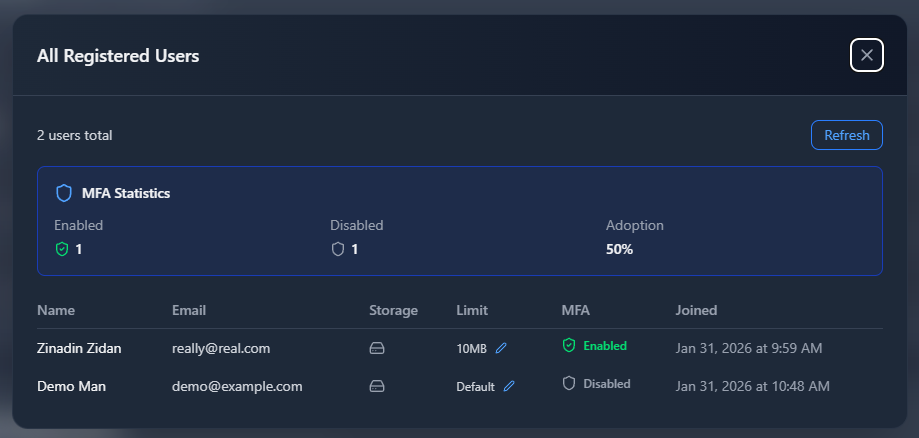
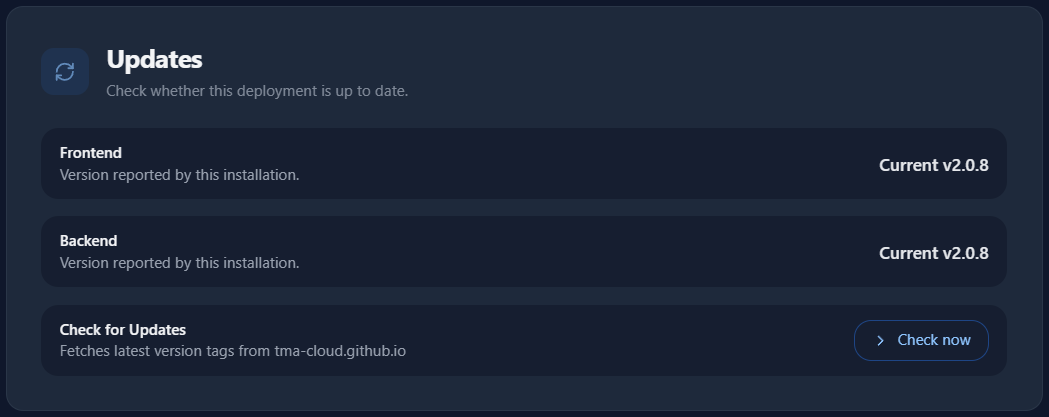
Every section opens with the state of the thing, then groups its controls by kind, and keeps anything destructive in a framed danger zone at the bottom. Every user gets Profile, Storage, Updates and Security; the admin (first signup) also sees Sub-users and Administration.
Watch the demo
Jump to the Introduction or start the Getting Started guide.
Last updated on